
My Pending Tasks
Objective
Section titled “Objective”View and quickly pending tasks to be performed, to keep the operational flow up to date.
Functioning
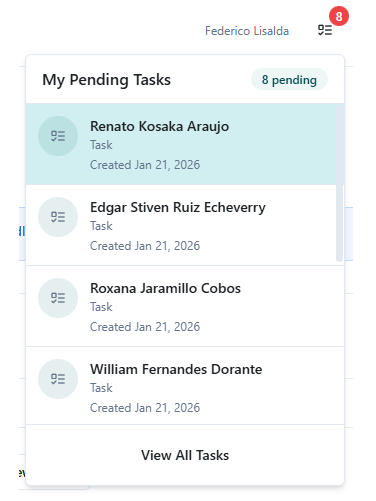
Section titled “Functioning”- With pending: A detailed list of tasks to be performed is displayed (see image 1).
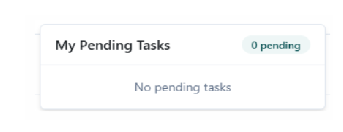
- Without pending: The message “No pending tasks” appears confirming that you are up to date with your tasks (see image 2).
This module is accessible directly from the main Dashboard screen.
Recommendations
Section titled “Recommendations”- Review this section at the beginning and end of your workday.
- Prioritize urgent tasks.